Keeping your gaming mouse pad clean is crucial for maintaining peak performance and hygiene. For busy gamers juggling work family and life a pristine pad means better aim smoother glides and fewer distractions during those precious gaming sessions. A dirty pad can drastically impact mouse sensor accuracy leading to frustrating missed shots or slow reactions in fast paced titles. This comprehensive guide walks you through the best methods for how to clean gaming mouse pad from cloth to hard surfaces ensuring your setup is always ready for action. Learn quick tricks effective solutions and important drying tips to extend your pad's life and enhance your gameplay. Dont let grime hold back your rank or ruin your immersion discover simple steps to revive your essential gaming gear today and keep your focus on the fun and challenge of your favorite games.
Q: What is the best method for cleaning a cloth gaming mouse pad?
A: The best method for cleaning a cloth gaming mouse pad is typically hand washing with lukewarm water and a small amount of mild dish soap. Gently scrub the surface with a soft brush or sponge, focusing on dirty areas. Rinse thoroughly under cool water until all soap is gone, then gently squeeze out excess water. Air drying completely flat or hanging is crucial.
Q: Can I put my RGB gaming mouse pad in the washing machine?
A: No, you should absolutely not put an RGB gaming mouse pad in a washing machine or submerge it in water. The integrated LED lighting and control unit contain sensitive electronics that will be permanently damaged by water. For RGB pads, stick to wiping the surface gently with a slightly damp cloth and mild cleaner, carefully avoiding electrical components.
Q: How do I remove sticky soda stains from my gaming mouse pad?
A: For sticky soda stains on a cloth gaming mouse pad, act quickly! Mix a small amount of baking soda with water to form a paste and apply it directly to the stain. Let it sit for 10-15 minutes to break down the sugar. Gently scrub with a soft brush, then rinse the entire pad thoroughly under cool water as described for hand washing. Ensure all stickiness is gone before drying.
Q: Why is my mouse pad feeling sticky even after cleaning?
A: If your mouse pad feels sticky after cleaning, it's likely due to soap residue that wasn't fully rinsed out. This can happen if you used too much soap or didn't rinse long enough. Try re-rinsing the pad thoroughly under cool, running water, gently massaging the surface until it no longer feels slippery or sticky. Ensure it dries completely in a well-ventilated area.
Q: How often should a competitive gamer clean their mouse pad for optimal performance?
A: A competitive gamer should aim to clean their mouse pad every 2 to 4 weeks, or even more frequently if they notice any degradation in mouse glide or tracking. Regular cleaning prevents the buildup of oils, dust, and debris that can hinder sensor accuracy and introduce inconsistent friction, which is detrimental in high-stakes gaming scenarios where every millisecond counts.
Q: What should I avoid when cleaning any type of gaming mouse pad?
A: When cleaning any gaming mouse pad, avoid using harsh chemicals, bleach, or fabric softener as they can damage materials. Never put hard mouse pads or RGB mouse pads in a washing machine or submerge them in water. Avoid high heat from dryers or direct sunlight for drying, as this can warp the rubber base. Also, do not wring or twist the pad aggressively during cleaning or drying.
Q: Is it better to air dry or use a fan for my gaming mouse pad?
A: It's best to air dry your gaming mouse pad, but using a fan can significantly speed up the process safely. Lay the pad flat or hang it in a well-ventilated area. A fan provides consistent airflow, helping moisture evaporate faster without introducing damaging heat. Just ensure the pad is completely dry before use to prevent mold or tracking issues.
Hey fellow gamers! We all know that feeling after a long session grinding for rank exploring vast open worlds or just unwinding with friends in Discord. Your rig is dialed in your headset is charged and your focus is razor sharp. But hold on for a second. When was the last time you actually looked at your mouse pad? No not just a glance but a proper close up. Chances are it's seen better days covered in sweat crumbs dust and general gaming grime. And while it might seem like a minor detail a dirty mouse pad can seriously hamper your precision and even impact your health. Imagine trying to hit that perfect headshot in Valorant or land a critical spell in League of Legends only for your mouse to hitch or feel sluggish because of buildup on your pad. Frustrating right? You're not alone. Many gamers juggling jobs families and other responsibilities often overlook this essential piece of gear. But don't sweat it balancing life and gaming is tough enough. Thats why we're here to help you get that mouse pad looking and performing like new with minimal fuss. Think of this as your practical guide to keeping your gaming sanctuary in top shape because a clean setup means better focus smoother gameplay and more wins. So lets dive into how to clean gaming mouse pad effectively without risking your gear or your precious gaming time.
US gamers spend an average of 10+ hours a week gaming with 87 percent regularly engaging in their favorite pastimes. With such dedication ensuring your gear is in prime condition isnt just about aesthetics its about performance and comfort. Whether youre into the latest AAA titles exploring cozy games or diving into mobile cross-play a clean mouse pad directly contributes to that buttery smooth aiming experience you crave. This guide covers everything from quick fixes to deep cleans ensuring you get back to your game faster and with a pristine surface.
Why Is Cleaning Your Gaming Mouse Pad So Important For Performance?
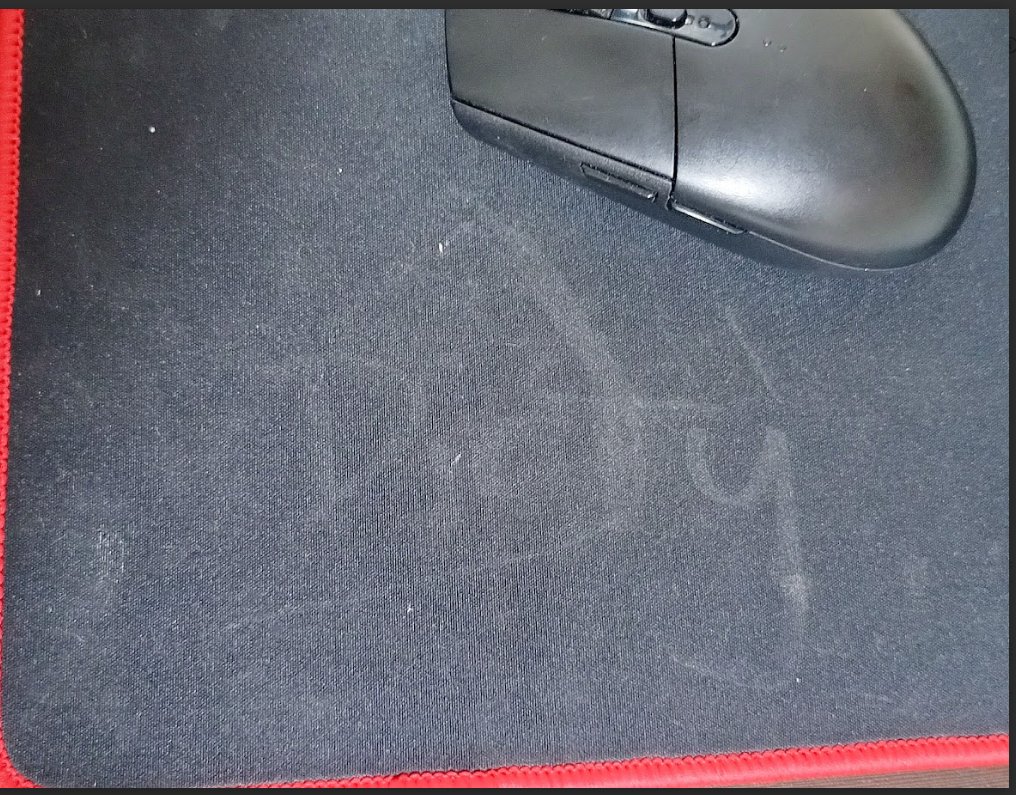
A gaming mouse pad is more than just a surface for your mouse it's a critical component of your aiming ecosystem. Over time dirt dust dead skin cells and oils from your hands accumulate on the surface creating friction and inconsistencies. This buildup directly affects your mouse sensors ability to track accurately. Imagine trying to make a pixel-perfect flick shot only for your mouse to drag or skip due to a grimy patch. It throws off your muscle memory reduces your reaction time and can cost you crucial moments in competitive play. A clean mouse pad ensures consistent glide and tracking allowing your mouse sensor to perform optimally which is vital for maintaining your skill and competitive edge in fast-paced games.
How Often Should I Clean My Gaming Mouse Pad?
The frequency of cleaning largely depends on how often you game and your environment. For casual gamers who play a few hours a week a thorough clean every one to two months might suffice. However if you're a daily grinder logging significant hours or if you snack at your desk consider cleaning it every two to four weeks. Spot cleaning spills and noticeable grime should be done immediately. Regularly wiping down your desk and peripherals also helps reduce overall accumulation on your pad. Think of it like changing the oil in your car consistent maintenance prevents bigger problems down the road and ensures peak performance when it matters most.
Can I Put My Gaming Mouse Pad In The Washing Machine?
For most cloth gaming mouse pads yes you absolutely can but with caution! This method is often the easiest for a deep clean. Use a gentle cycle with cold water and a small amount of mild detergent. Crucially avoid hot water fabric softener or bleach as these can damage the pad's material and rubber backing. Place the mouse pad inside a pillowcase or laundry bag to protect it from agitation and any other items in the wash. This prevents fraying and keeps the pad safe. Never put hard mouse pads or RGB mouse pads with integrated electronics in a washing machine.
What's The Safest Way To Hand Wash A Cloth Gaming Mouse Pad?
Hand washing is generally the safest and most recommended method for most cloth gaming mouse pads especially if you're wary of the washing machine. Here's a simple step-by-step process:
- Gather Supplies: You'll need a bathtub or large sink mild soap (dish soap like Dawn or a gentle laundry detergent works well), a soft brush or sponge and clean towels.
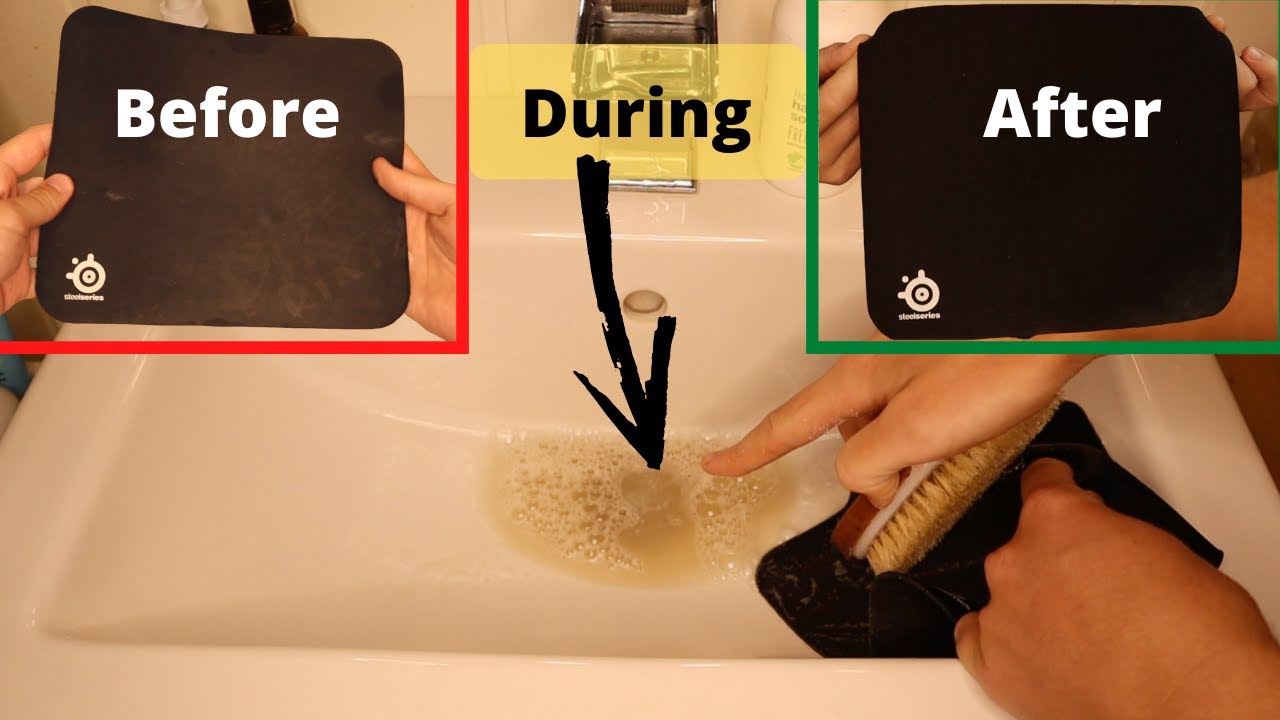
- Pre-Soak: Fill your tub or sink with lukewarm water. Add a small amount of mild soap. Submerge your mouse pad ensuring it's fully saturated. Let it soak for 5-10 minutes to loosen dirt.
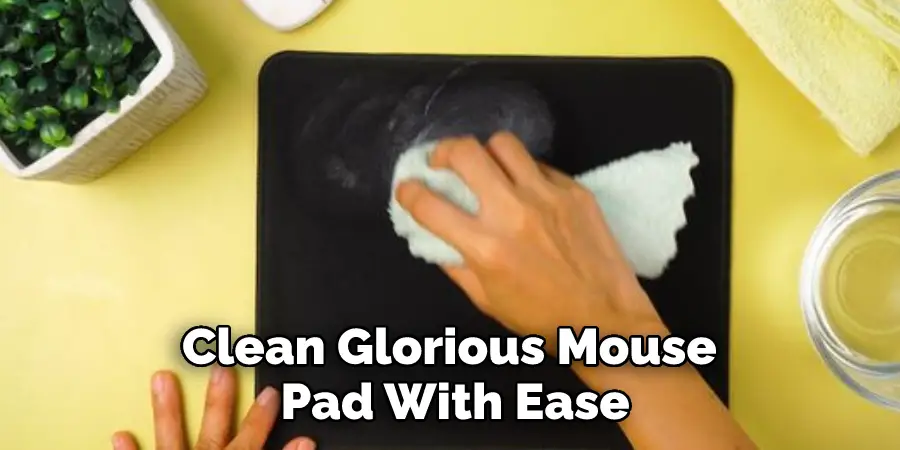
- Gentle Scrub: Remove the pad and lay it flat on a clean surface. Apply a small amount of soap directly to the dirty areas. Using your soft brush or sponge gently scrub in circular motions. Pay extra attention to high-traffic areas where your wrist rests.
- Rinse Thoroughly: This is crucial! Rinse the mouse pad under cool running water until all soap residue is gone. Squeeze out excess water gently without twisting or wringing which can damage the rubber base.
- Initial Drying: Lay the pad flat on a clean dry towel and roll it up to absorb as much moisture as possible. Repeat with a second dry towel if needed.
How Do I Clean A Hard Plastic Or Aluminum Gaming Mouse Pad?
Cleaning hard mouse pads is far simpler than cloth pads. They don't absorb liquids or grime in the same way. All you need is a soft cloth or microfiber towel and some gentle cleaning solution. Mix a small amount of mild dish soap with water or use a screen cleaner designed for electronics. Dampen the cloth not the pad itself and wipe down the surface. For stubborn spots you might need a bit more elbow grease. Once clean wipe it dry with another clean microfiber cloth. Hard pads dry very quickly so you'll be back in action almost instantly. Avoid abrasive cleaners or harsh chemicals as they can scratch or damage the surface coating.
What About Cleaning RGB Gaming Mouse Pads With LED Lighting?
RGB mouse pads require special care due to their integrated electronics. Never submerge an RGB mouse pad in water or put it in a washing machine. The electrical components will be permanently damaged. Instead use a slightly damp microfiber cloth with a small amount of mild dish soap or a dedicated electronic cleaner. Gently wipe the surface being careful around the edges where the lighting elements or control box are housed. Ensure no liquid gets into the control unit or stitching. After cleaning immediately dry the pad with a clean dry microfiber cloth. Allow it to air dry completely for several hours before plugging it back in to prevent any short circuits. Safety first!
How Do I Remove Stubborn Stains Or Spills From My Mouse Pad?
For tougher stains like soda coffee or food grime immediate action is your best friend. For cloth pads create a paste with baking soda and a tiny bit of water apply it to the stain let it sit for 10-15 minutes then gently scrub with a soft brush and rinse as per the hand washing method. For oil-based stains a small amount of rubbing alcohol on a cotton swab can be effective but test a small inconspicuous area first. For hard pads a stronger solution of dish soap and water or a specialized electronic wipe can usually tackle most spills. Always make sure to clean spills as soon as they happen before they set in.
What's The Best Way To Dry My Gaming Mouse Pad After Cleaning?
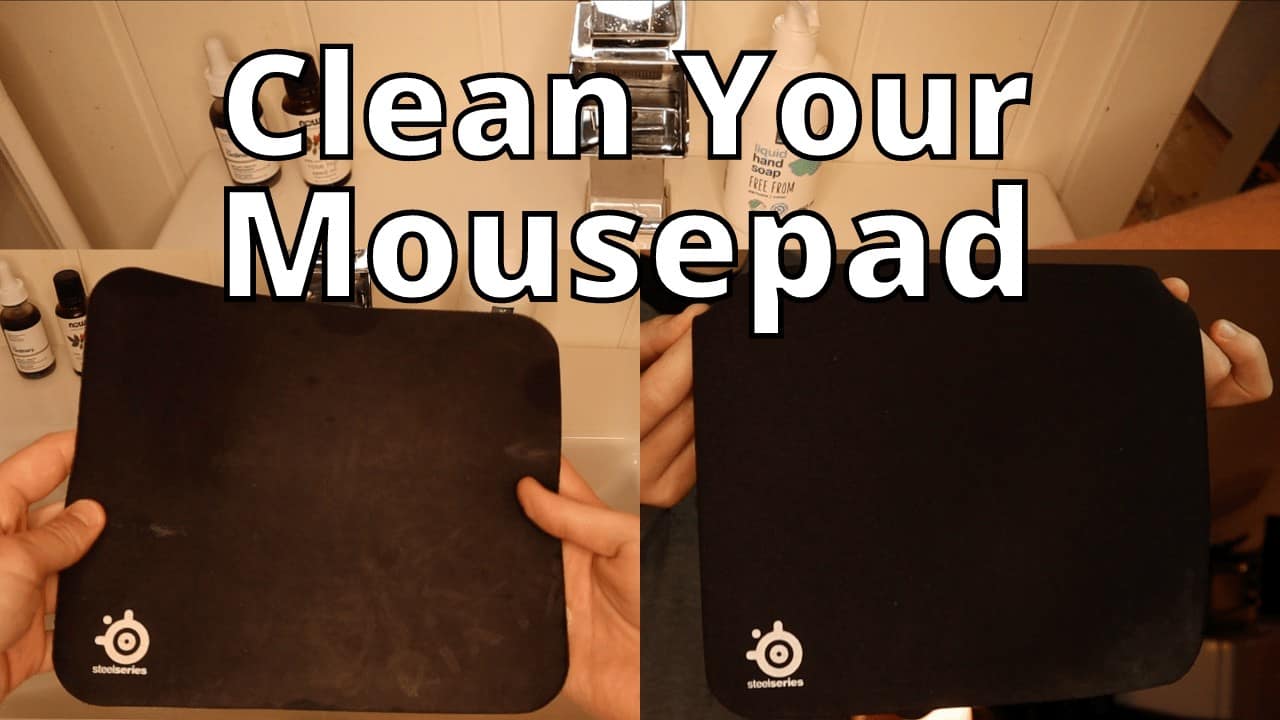
Proper drying is absolutely critical to prevent mold mildew or damage to your mouse pad's adhesive backing. Never put your mouse pad in a tumble dryer. The high heat will warp the rubber base and likely ruin the pad. After squeezing out as much water as possible by hand lay your mouse pad flat on a clean dry towel or hang it over a shower rod or clothesline. Ensure there's good air circulation. Depending on humidity and pad thickness this can take anywhere from 12 to 48 hours. Patience is key! Make sure the pad is completely dry to the touch before placing it back on your desk or using your mouse. A slightly damp pad can cause issues with mouse tracking and potentially breed bacteria.
Conclusion
Keeping your gaming mouse pad clean is a small task with a huge impact on your gaming performance and overall hygiene. You invest in quality gear so give it the care it deserves. By following these simple tips you'll maintain that smooth consistent glide that helps you hit every shot and enjoy your games without frustrating hiccups. Remember a clean mouse pad isnt just about aesthetics its about optimizing your play and making the most of your valuable gaming time. What's your biggest gaming challenge when it comes to keeping your setup clean? Comment below!
FAQ Section
Is it okay to use soap on my gaming mouse pad?
Yes using a mild soap like dish soap or a gentle laundry detergent is generally safe for most cloth gaming mouse pads. Avoid harsh chemicals bleach or fabric softeners as they can damage the material or rubber backing. Always rinse thoroughly to remove all soap residue.
How can I make my mouse pad dry faster?
After hand washing or machine washing gently roll your mouse pad in a clean dry towel to absorb excess water. Then lay it flat or hang it in a well-ventilated area. Using a fan can help speed up the drying process but avoid direct heat sources like hair dryers or direct sunlight which can warp the pad.
Can I clean a mouse pad with a rough surface?
Yes rough surface mouse pads often found on speed-focused cloth pads can be cleaned using the same hand washing methods as other cloth pads. A soft brush can help get into the texture. Ensure thorough rinsing and drying to prevent any residue from affecting the surface texture.
What if my mouse pad has a stitched edge?
Mouse pads with stitched edges can generally be cleaned like regular cloth pads. The stitching actually helps prevent fraying during washing. Just be gentle during scrubbing and wringing to avoid stressing the stitching or causing any unraveling. Air dry completely.
Is it safe to use alcohol wipes on a gaming mouse pad?
For spot cleaning small, oily stains on cloth pads, a small amount of isopropyl alcohol on a cotton swab can be used. However, avoid using alcohol wipes or strong alcohol solutions over large areas, as they can dry out certain materials or potentially strip coatings on some specialized pads. Always test a small hidden area first.
Regular cleaning prevents performance issues. Hand washing is safest for most cloth pads. Air drying completely is essential to avoid damage. Avoid harsh chemicals especially for RGB pads. Spot clean spills immediately for best results. Different materials require specific cleaning methods. A clean pad improves precision and hygiene.
35


How To Clean A Mouse Pad Properly In 2026 WePC How To Clean Mousepad . How To Clean A Giant Mouse Pad At Sally Patrick Blog Mouse Pad Cleaning . How To Clean Your Mouse Pad The Right Way No Damage YouTube . How To Clean Mousepad At Home Without Ruining Them YouTube . How To Clean Mouse Pads EASY GUIDE YouTube
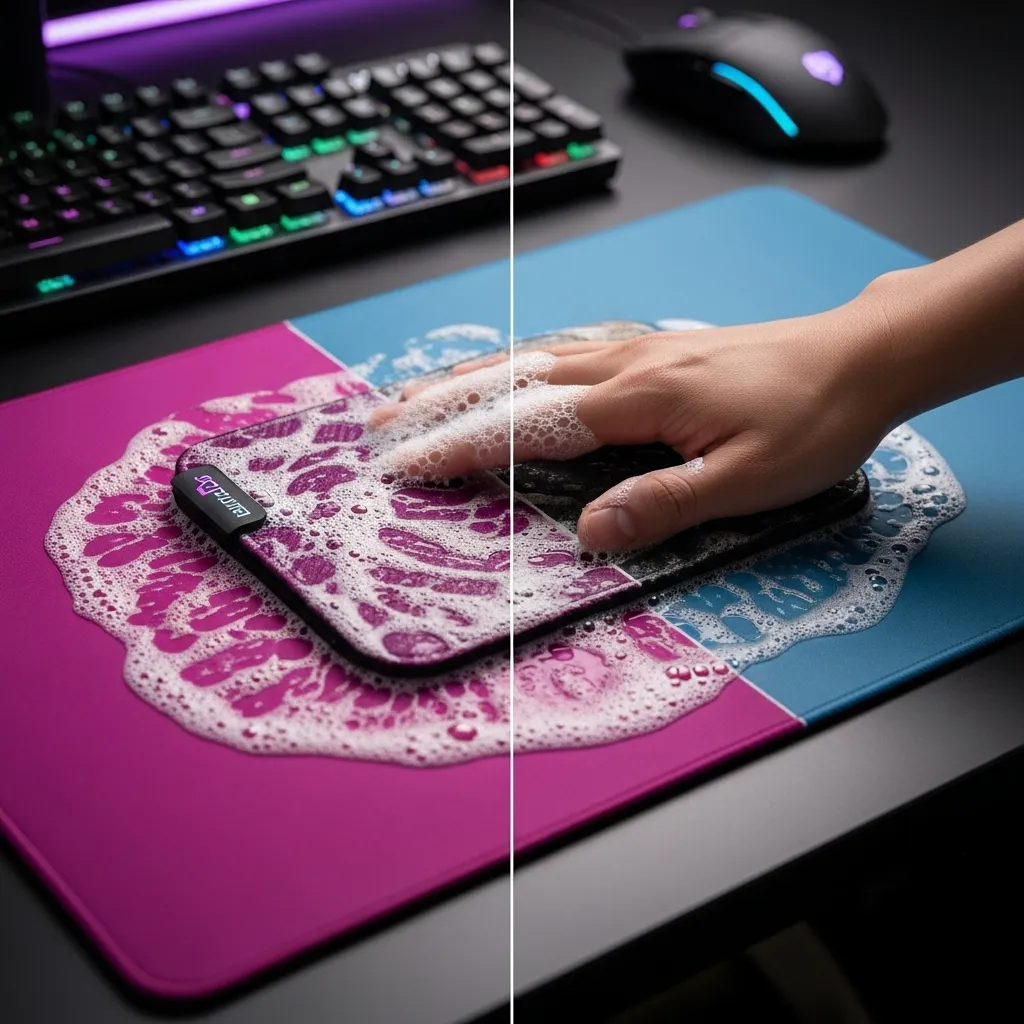

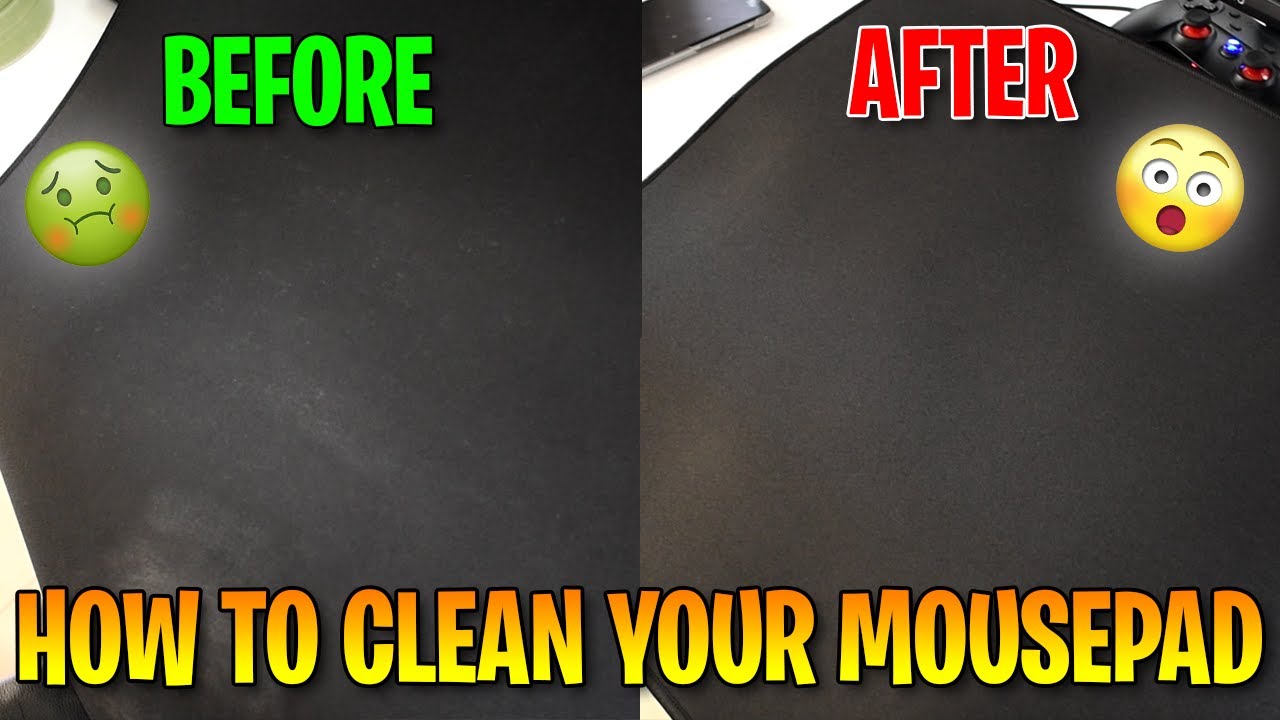
How To Clean A Mouse Pad The Right Way Safe For Cloth RGB Gaming How To Clean A Mouse Pad . How To Clean Mouse Pad FAST Wash Your Mousepad In 2 Min YouTube . How To Clean A Cloth Mousepad For Peak Gaming Accuracy Joltfly Dynamic High Energy Shot Of A Gamers Battle Statio.webp. How To Clean An RGB Mousepad YouTube . HOW TO CLEAN YOUR MOUSE PAD Ft Aqua Control FILIPINO YouTube

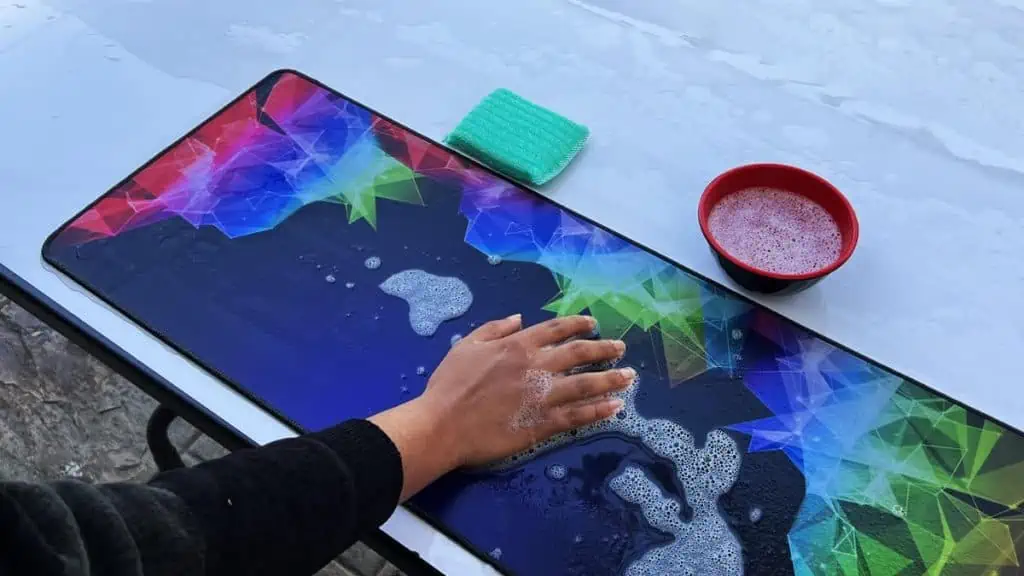
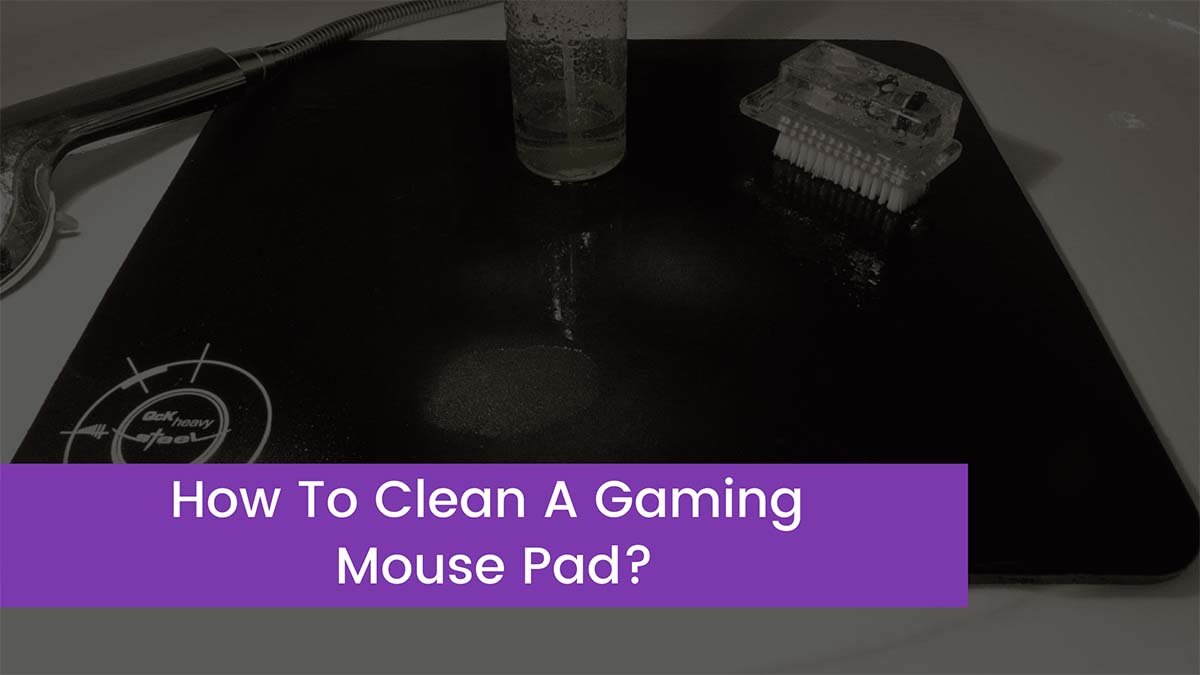

How To Clean Any Type Of Mousepad Voltcave Clean Mousepad Before And After.webp. How To Clean A Mousepad Tech News Today How To Clean A Mousepad 1. How To Clean A Gaming Mouse Pad How To Clean A Gaming Mouse Pad . How To Clean Cloth Mouse Pads NOT RGB YouTube . How To Clean Mouse Pad At Rebecca Bowens Blog How To Clean Your Mouse Pad 1024x576


How To Clean Glorious Mouse Pad Effective 7 Steps 2026 Clean Glorious Mouse Pad With Ease . Cleaning Old Mouse Pad At Thomas Castro Blog Image 1 . How To Clean Rgb Desk Mat At Johnny Duffy Blog . How To Clean White Mouse Pad At Phillip Pusey Blog How To Clean Your Mousepad . Clean Your Artisan Mouse Pad Guide Clean Your Artisan Mouse Pad Guide 1.webp


How To Clean A Gaming Mouse Mat At Eve Collie Blog How To Clean Your Gaming Mousepad 1 . How Do You Wash A Mouse Pad Robots Net How To Clean A Big Mouse Pad 1703350826 . Simple Way To Clean A Dirty Mouse Pad Or Wrist Rest YouTube . How To Clean Mouse Pad Without Water At Michael Birdwood Blog . How To Clean A Mouse Usb At Hayley Chipper Blog How To Clean Gaming Mouse 1



Clean Your Artisan Mouse Pad Guide Clean Your Artisan Mouse Pad Guide 2.webp. Clean Your Artisan Mouse Pad Guide Clean Your Artisan Mouse Pad Guide 3.webp. Gaming Mouse Cleaning Guide How To Clean Your Gaming Mouse A Step By Step Guide For Za Gamers.webp. How To Clean A Gaming Mouse Mat At Eve Collie Blog . Clean Gaming Mouse Maintenance Tips How To Clean And Maintain Your Gaming Mouse For Lo Banner.webp


How To Clean A Mouse Pad Properly In 2026 WePC How To Clean Mouse Pad 9 . How To Clean A Gaming Mouse Mat At Eve Collie Blog Clean A Gaming Mouse Pad . How To Clean A Gaming Mouse Mat At Eve Collie Blog How To Clean A Gaming Mouse Pad . How To Clean A Gaming Mouse Mat At Eve Collie Blog . How To Clean A Hard Mousepad 10 Steps With Pictures WikiHow Tech V4 460px Clean A Hard Mousepad Step 1